> For the complete documentation index, see [llms.txt](https://ovatheme.gitbook.io/brw/llms.txt). Markdown versions of documentation pages are available by appending `.md` to page URLs; this page is available as [Markdown](https://ovatheme.gitbook.io/brw/faqs/how-to-setup-tax-in-product.md).
# How to setup Tax in product
Step 1: Go to WooCommerce >> Settings >> General >> Choose "Enable taxes" option >> click "Save" button
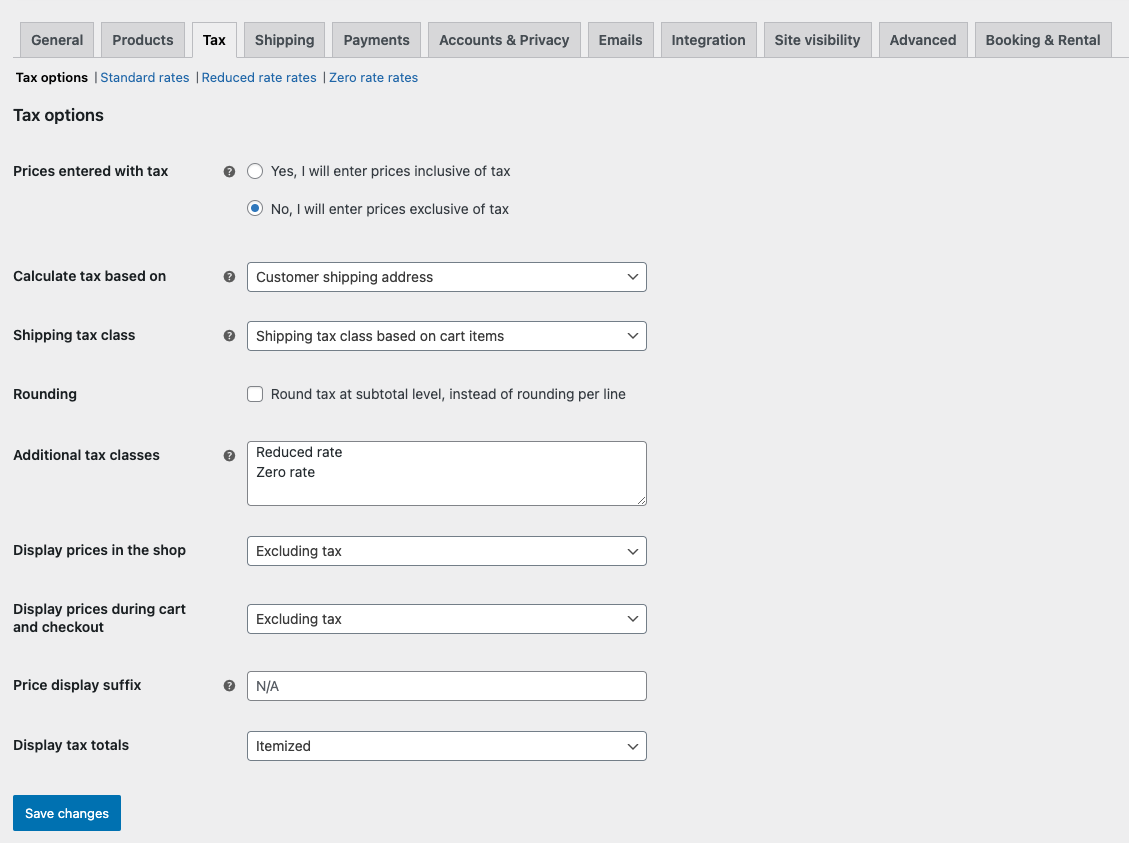
Step 2: Go to WooCommerce >> Settings >> Tax tab